
Weekly Report
-
17.10.2024
-
Youtube link: https://youtu.be/9O0jVP5P5e8
IDEA - change the css style for the buttons and change the font family
What I have done - I have added css style for the buttons and the drop down menu and started change font family
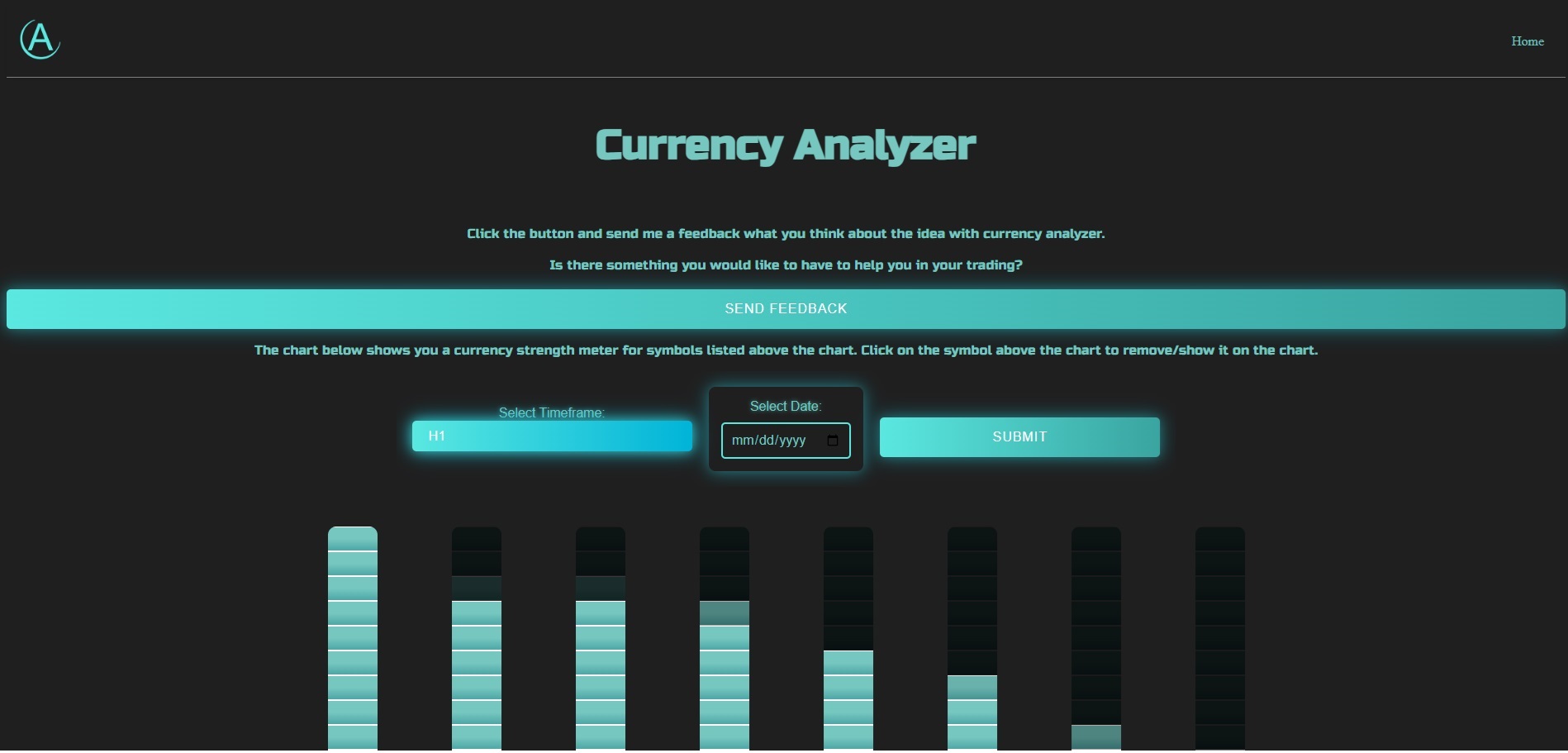
PROBLEM - there was no problems during this task
NEXT - change the font family that is suitable for readers and the theme
-
-
16.10.2024
-
Youtube link:
IDEA - change the css style for the buttons and the drop down menu
What I have done - I have added css style for the buttons and the drop down menu
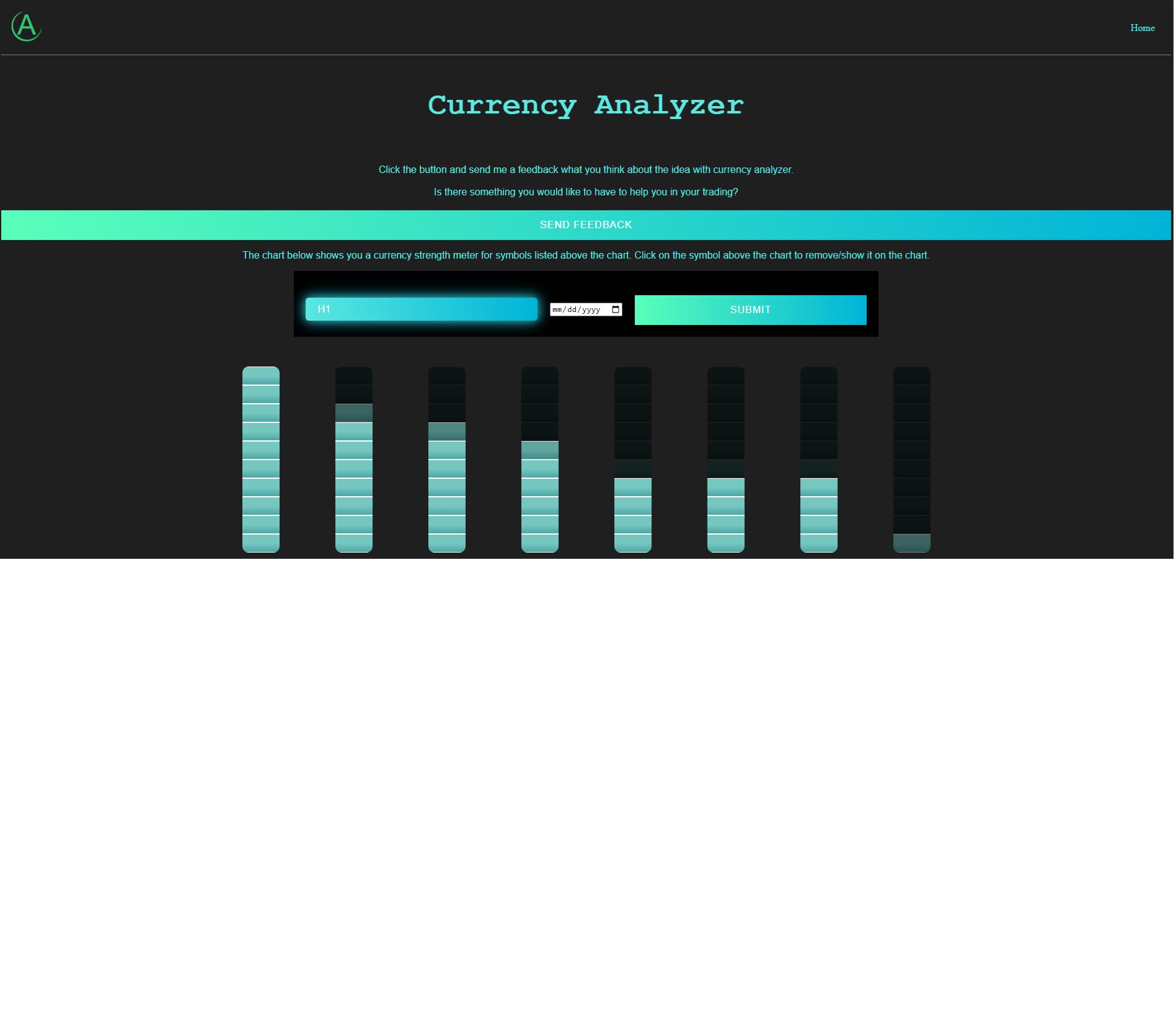
PROBLEM - there was no problems during this task
NEXT - change the website details so it is ready for google search console to be crawled. Watch a video on this topic on Udemy
-
-
15.10.2024
-
Youtube link:
IDEA - change the css style for the rest of the charts to be in sci-fi mode
What I have done - I have added css style to the rest of the charts to be in sci-fi mode.
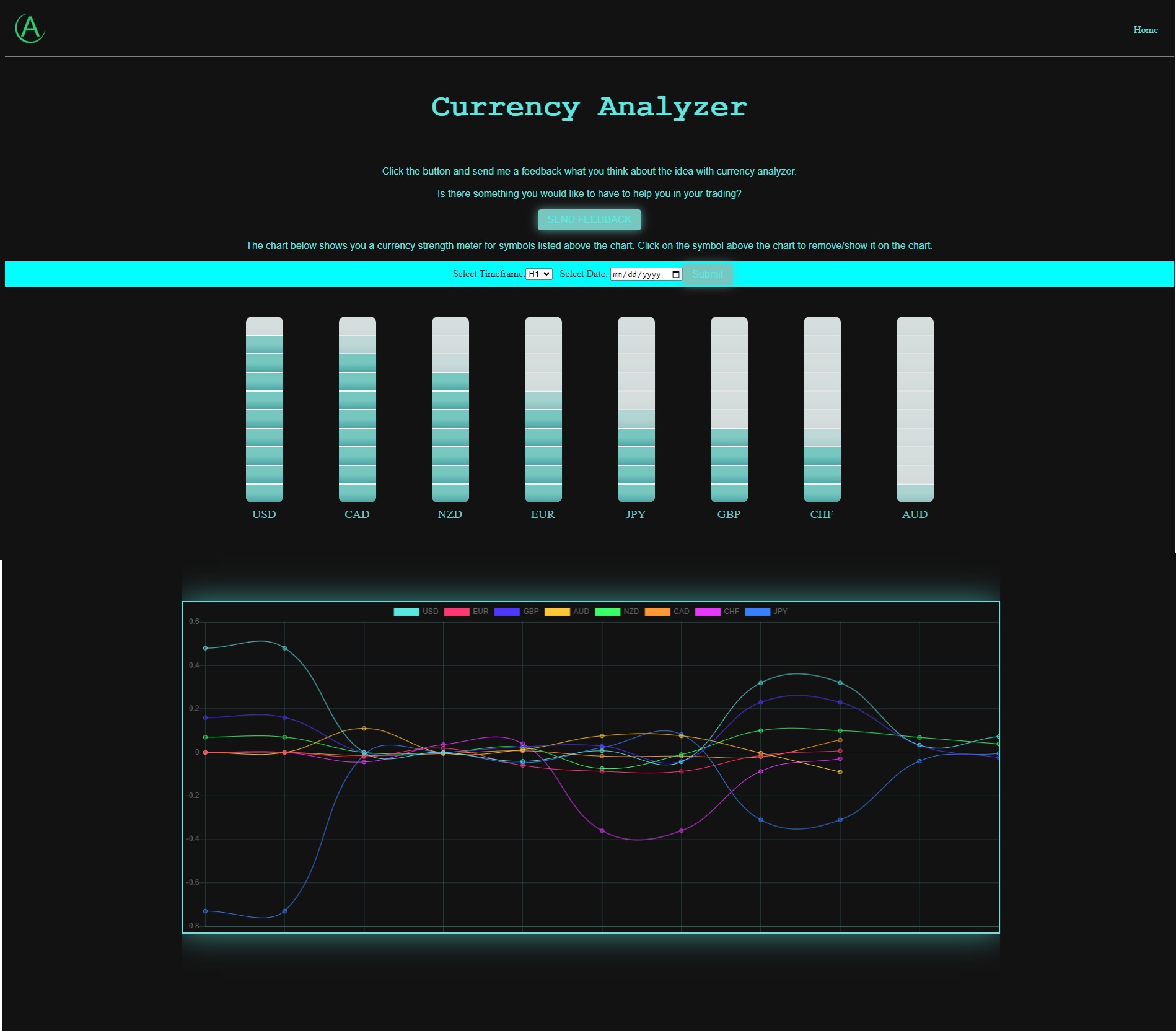
PROBLEM - I need to understand how css sytels works to better style the charts. Now I am guessing and testing, but slowly moving forward
NEXT - change the css for the buttons and the drop down menu
-
-
14.10.2024
-
Youtube link:
IDEA - change the css style for the rest of the charts to be in sci-fi mode
What I have done - I have added css style to the rest of the charts to be in sci-fi mode.
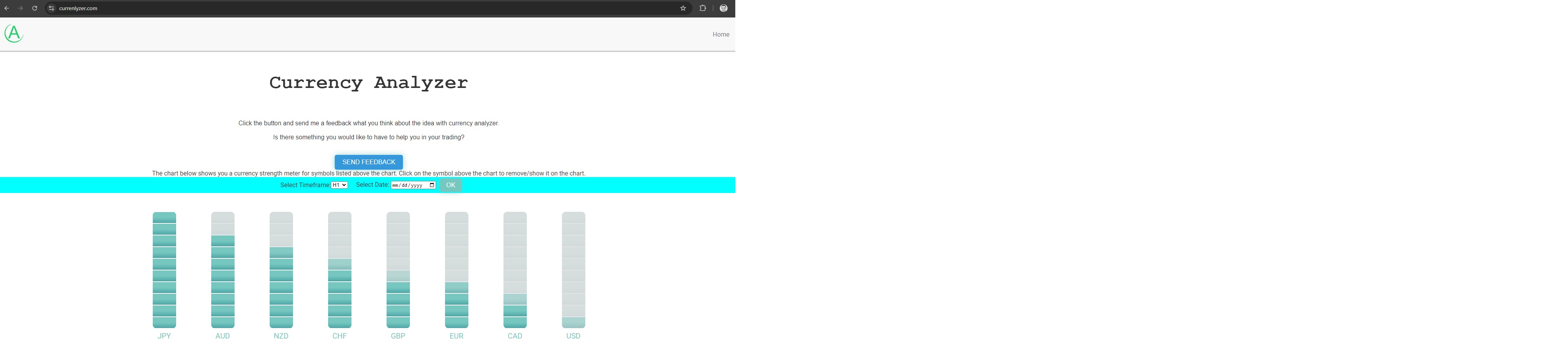
PROBLEM - I need to understand how css sytels works to better style the charts. Now I am guessing and testing, but slowly moving forward
NEXT - change the css to change the visual style of the charts
-
-
11.10.2024
-
Youtube link:
IDEA - solve the rest of the charts about the issue with showing other values when hoovering over the chart
What I have done - I have inluded destroy and update chart data after calling fetch function. This will erase old data and hav eonly new data on the chart
PROBLEM - I had an issue finding where the problem is. I started searching with the data inside varialbes for the chart. Then I looked into chart what is happening and is there duplicate data. Then I have included destroxing the chart, but I did not manage to put it on the right place inside the code. After solving issue with the chart then I had issue with the css of the chart. WHen I reload new time frame the chart becomes blurry. I needed to put the chart canvas inside container and then use CSS for that container to modify the chart height and width. Because the chart started to have very large height which was not good.
NEXT - I am starting to change the css to change the visual style of the charts
-
-
10.10.2024
-
Youtube link:
IDEA - solve the issue with the CSM line and bar chart where I have issue when hoover over a line for any symbol and reach the dot with specific value at the specific date the chart changes to previous version. And this only happens after I fetch new data for other time frames. It seems that the chart remembers the old data for other time frames. I need to delete old data and have only the new one I fetch
What I have done - I have inluded destroy and update chart data after calling fetch function. This will erase old data and hav eonly new data on the chart
PROBLEM - I had an issue finding where the problem is. I started searching with the data inside varialbes for the chart. Then I looked into chart what is happening and is there duplicate data. Then I have included destroxing the chart, but I did not manage to put it on the right place inside the code. After solving issue with the chart then I had issue with the css of the chart. WHen I reload new time frame the chart becomes blurry. I needed to put the chart canvas inside container and then use CSS for that container to modify the chart height and width. Because the chart started to have very large height which was not good.
NEXT - I am moving to other charts that have the same issue with old chart data when I move my mouse over the charts. I will implement the same solution to all of them so I have clean functioning charts
-
-
9.10.2024
-
Youtube link:
IDEA - change the code so the variables are populated at the server start. This way I will chart available for shwoing without needing to click the button to populate the data.
What I have done - I have added one more function for each chart so when the server starts it will call this function to fetch the data from the server. The same function is called when a user clicks the button to fetch the data from the server.
PROBLEM - there is no problem this time
NEXT - I am planning to check the code and the values from the charts are they are doing ok and behaving as they should. I have seen that CSM line chart has issues. And that is when I hoover over the lines on the charts it changes the values on the chart. It seems thee is hoover issue. Second thing is to check resize functions on the charts so they are visible when I resize the chart. Especially if I put each chart into specific div I want to resize automatically this chart to that div window. This way I can move and put the chart whereever I want and the chart will look nice.
-
-
8.10.2024
-
Youtube link:
IDEA - change the code so the variables are populated at the server start. This way I will chart available for shwoing without needing to click the button to populate the data.
What I have done - I have added one more function for each chart so when the server starts it will call this function to fetch the data from the server. The same function is called when a user clicks the button to fetch the data from the server.
PROBLEM - there is no problem this time
NEXT - Correlation chart, to go and modify the code to fetch the data
-
-
7.10.2024
-
Youtube link:
IDEA - change the code for the rest of the charts so each time a user request new data for the chart I get new data populated on the front end on the chart without reloading whole website page, but only the chart
What I have done - I have fetch function in order to get the new data from the database without refreshing the whole web page. This allowed me to have new content for the chart section inside webpage. For now I am using partisl .ejs and fetch function.
PROBLEM - there is no problem this time because I am using a template from the previous chart I have done. I am just using time to modify the current code for other charts
NEXT - Still one chart, CSM, to go and modify the code to fetch the data
-