
Weekly Report
-
12.7.2024
-
Youtube link: https://youtu.be/7XJ_R9osizc
IDEA - remove percentage values below the columns
What I have done - changed CSS to hide the value in percentage
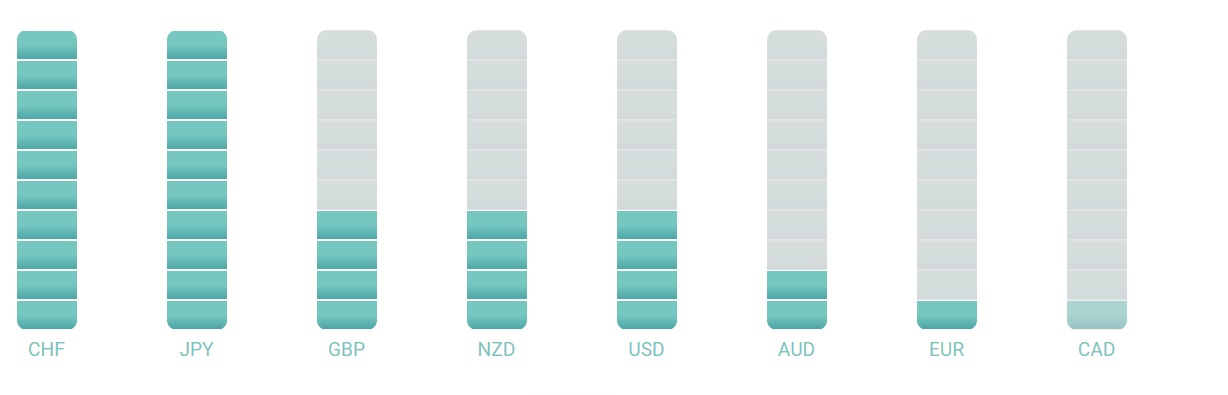
PROBLEM - There were no problems with this
NEXT - modify the code so the user can select date in the past
-
-
11.7.2024
-
IDEA - send backend values to front end and show on the bar chart
What I have done - added the code into backend with values in percentage and then modify the code in front end part to receive and show values on the bar chart
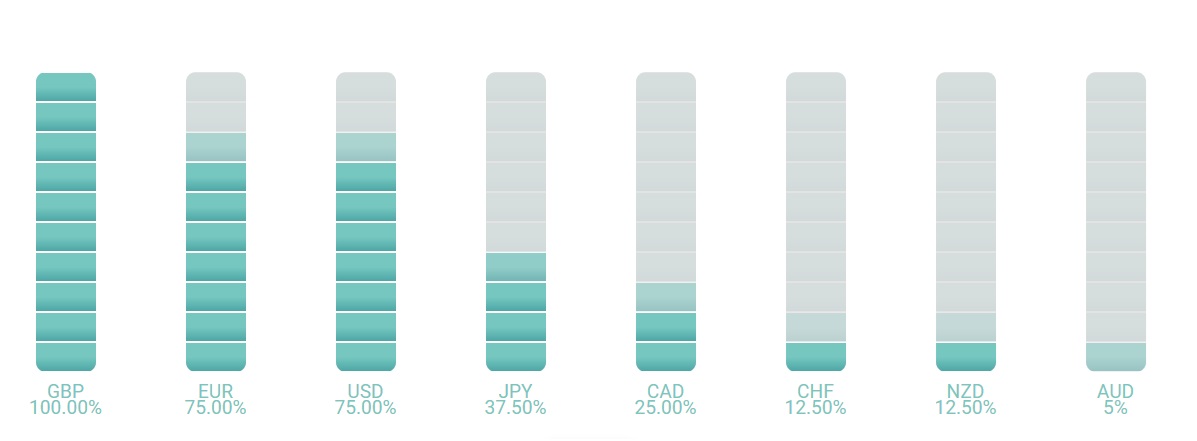
PROBLEM - There was no big problem with modifying the front end code to show the values from backend. I still struggle to show correctly and with accuracy the values on the bar chart. For now I am leaving it like this and I will see how does it work in the future
NEXT - Modify the code to remove the number in % below the each bar so I have only bar column.
-
-
10.7.2024
-
IDEA - create variables with percentage values form 0 to 100% for sending to the front end bar chart
What I have done - aded part of the code inside index.js to calculate the percentage strength for each of the symbol.
PROBLEM - how to calculate the values from 0 - 100% based on the values that I have prepared. The values are first less than 0 and greater than 0. Then I need to increase them to have only values from 0 and above. Then I needed to modify those values to be between 0-100% for bar chart with % on them
NEXT - send the code with percentage values to the front end and then use those values ih bar chart I have prepared for percentage values. It will not be easy because I will need to modify the code I have got from ChatGPT to show my values for certain symbol and not random values like it is working now
-
-
8.7.2024
-
IDEA - create new bar chart
What I have done - using Chat GPT created new bar chart with only CSS and HTML without chart.js. Then I have added the code into the project and put js code into separate .js file and HTML into .ejs file and CSS into CSS file
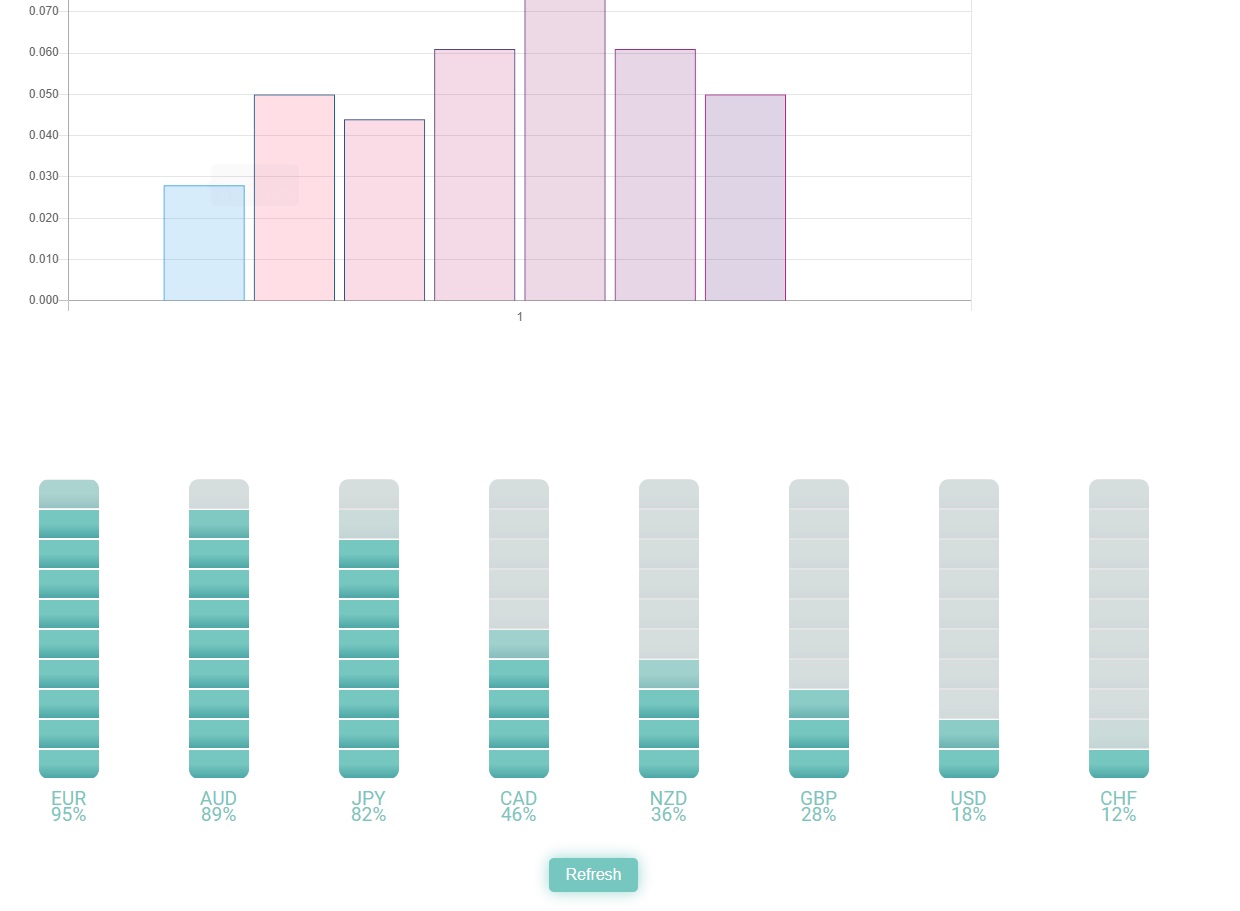
PROBLEM - how to put ChatGPT code into the project where each code is put into separate file and then to work
NEXT - create a code on the backend to use the database data for the bar chart that is new created so it works with real data and not dummy data
-
-
4.7.2024
-
IDEA - modify the code for the bar chart so it the width is narrower
What I have done - small modification inside CSS for the bar chart
PROBLEM - there were no problems with this task
NEXT - create new bar chart that will have columns divided into 10 small bars that will show strength in percentage up to 100%. This way empty bars will represent weakness. Filled bars will show the strength
-
-
3.7.2024
-
IDEA - create a bar chart with only one value for each symbol I want to show
What I have done - created new variables on the fron end in side .ejs file and inside bar chart .js file. I have changed the previous line chart with an array into bar chart with single value
PROBLEM - I did not know how to pass single value on the bar chart that way expecting array for each symbol. I have searched for a solution and used ChatGPT to help me find what is the cause. Befor that I was trying to understand the issue by having console.log of variables received on the front end and they were sent successfuly as a single value and not an array
NEXT - I need check the appearance of the bar chart. I would love to have bar chart whith steps from minimum to maximum so the user can see the difference. And I want to shift the lowest value symbol which now start from 0 and it is not visible on the bar chart because it is set to 0.
-
-
2.7.2024
-
IDEA - add the new variables for each symbol in the backend and send to front end that will show on bar chart. But sending only one value for each symbol instead of an array
What I have done - created new variables for new bar chart type with only one value inside each symbol. Then shifted the values for the maximum number in negative. And then moved all varialbes for that amount so all symbols values start from 0. This will allow me to create better bar chart in the future to have maximum and minimum bars
PROBLEM - how to extract the minimum value from an array. How to save only one value from an array from specific place, last place in an array.
NEXT - I need to send back end variable for bar chart to the front end and create new bar chart with only one value for each of symbol I am using
-